


Date: 4 August 2026
Table of Contents
ToggleMacBook Suddenly Restarts with an Error Code? Here Is What Is Really Happening
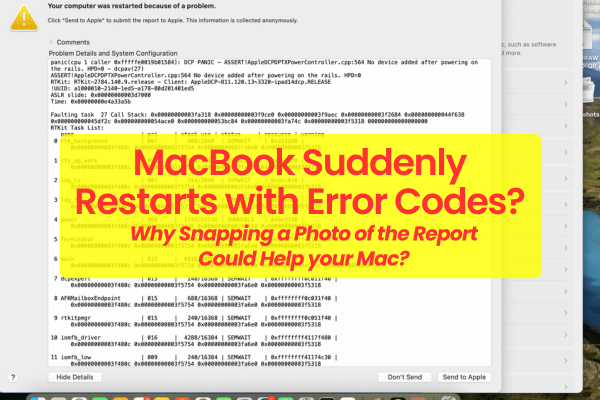
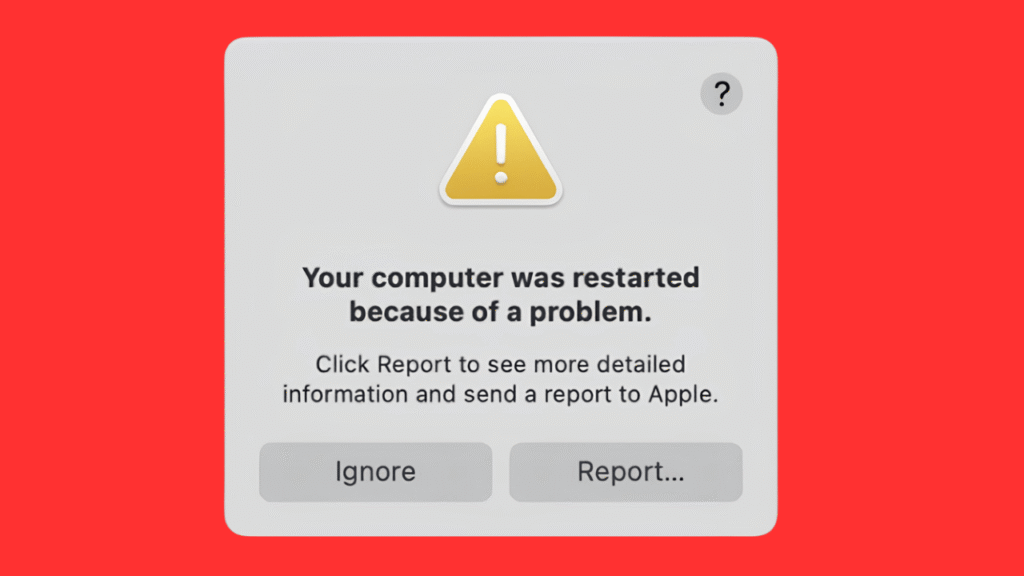
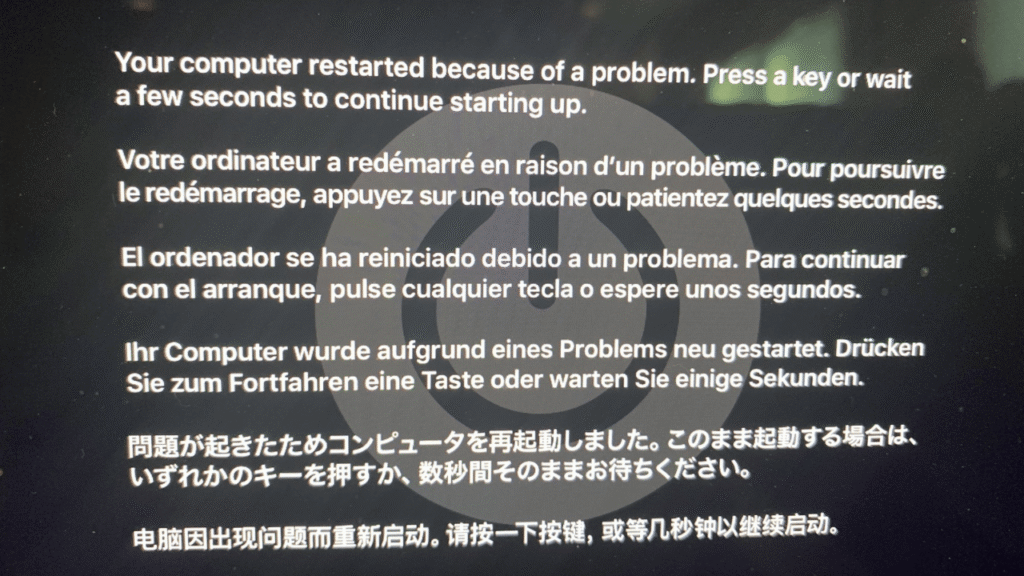
You are in the middle of typing an important document, editing a video, or attending an online call when your Mac screen suddenly goes black. The fans might spin up loudly for a brief second, the machine restarts, and you are greeted by a frustrating pop up message:
“Your computer restarted because of a problem.”
If you click “More Info,” a bunch of technical text and panic code fills the box.
When a MacBook starts restarting randomly, whether it happens three times a day or once every two weeks, it is a clear signal that something inside the mac is struggling.
Understanding what causes these sudden restarts, why capturing the error log is critical, and how sharing your Mac full history helps us fix it quickly will save you time, stress, and unnecessary costs.
Step 1: ALWAYS Take a Screenshot or Photo of the Error Report
When that error box pops up after a restart, most people immediately click “Cancel” or “OK” just to get back to work.
This is the biggest mistake you can make.
That error text is called a Kernel Panic Log. It is literally your macOS operating system leaving behind a diagnostic repaort right before the system crashed.
Why it matters: Panic logs contain specific sensor codes (e.g.,
GPU Panic,SOC Thermal Sensor,NAND I/O Error,Power Rail Bus Failure).What you should do: Before closing the window, take out your smartphone and take a clear, readable photo of the entire text box, especially the top 20 lines containing the panic header, thread numbers, and sensor flags.
Showing this photo to our technical team gives us an immediate diagnostic roadmap instead of making us spend hours trying to replicate the crash.
Step 2: Be 100% Honest About Your Mac History
When you bring your Mac to ourus or message us on WhatsApp, telling us the complete history of the mac helps us solve the problem twice as fast.
Never feel embarrassed to tell us if:
You spilled liquid on it 3 months ago: Even if it dried up and worked fine for weeks.
It suffered a hard drop: Physical impacts can cause fractures beneath processor or memory solder joints that flex and lose contact.
It was repaired by another shop previously: Knowing if another place attempted any repair work, heating, or component bypasses.
Step 3: The Root Cause — Intermittent Hardware Failure
Why does a Mac restart randomly instead of unable to on?
The vast majority of random restart issues are caused by intermittent hardware failures, what we call “half working”.
A component (like a current monitoring chipset, a GPU power line capacitor, or a thermal sensor) has not completely burned out yet. It still functions under basic usage, but the moment the chip reaches a certain temperature, pull extra current (power), or experiences sudden physical movement, its voltage drops outside safety range.
To protect the CPU and data from corruption, macOS intentionally triggers a hard hardware shut off to protect itself, resulting in the sudden restart and error report.
How Error Codes Speed Up Repairs
Without an error code or history, diagnosing a random crash means running endless stress testing loops for days waiting for the mac to fail.
With a clear photo of your crash log and history:
Targeted Testing: We can immediately trace the exact power line, GPU line, or sensor circuit identified in the log using our multimeter sensors.
Component Level Micro-Soldering: Instead of guessing or telling you to change a new logic board, our technicians replace only the specific spoiled chipset or degraded capacitor.
Fast Turnaround: Targeted diagnostics get your Mac off our shop and back into your hands in a fraction of the time.
Drop By Our Subang SS15 Shop for a Direct Diagnostic
If your Mac is constantly restarting or crashing during work, do not wait for the intermittent issue to become a permanent failure. Bring your machine (and your error report photos) directly to our shop:
Subang Jaya : No.22 – 1 First Floor, Jalan SS 15/8, SS 15, 47500 Subang Jaya, Selangor. (Open daily for direct walk in diagnostic checks, parts replacement and component soldering. Located near the SS15 LRT Station).
Frequently Asked Questions
Why does my MacBook restart only when I open specific apps like Zoom, Safari, or Photoshop?
Demanding applications push your GPU, CPU, and RAM to draw higher power levels and generate heat. If a specific power capacitor or thermal sensor is in a “half-working” condition, it will only failed when forced to handle these heavier loads, triggering a kernel panic restart.
Can a software update fix a MacBook that keeps restarting with an error report?
While operating system glitches can occasionally cause restarts, random reboots accompanied by panic logs that mention hardware sensors, thermal rails, or power management chipsets are almost always physical hardware issues. Software reinstallation will not fix a spoiled capacitors or cracked board.

Topics That Might Interest You
Confused about OEM vs. Apple Original screen and battery? Get the real story behind Apple’s supply chain, IRP myths, and battery cell grades by reading macbook oem parts truth malaysia.
Curious why other repair shops send their your logic board repair jobs to us? Read the real industry story behind why other shops send your macbook to us.

About The Author
This article is written with input from Kevin, who has 18 years of hands on experience in MacBook repair, logic board inspection and Apple device care. Kevin and the OrangeFix team are also daily Apple product users, so every guide is written from real repair experience and practical user understanding.
Kevin has shared his repair knowledge through a CityPlus FM radio interview and has also been featured twice in The Star for gadget care, water damage advice and digital decluttering tips.
OrangeFix is an independent repair centre in SS15, Subang Jaya.