


Table of Contents
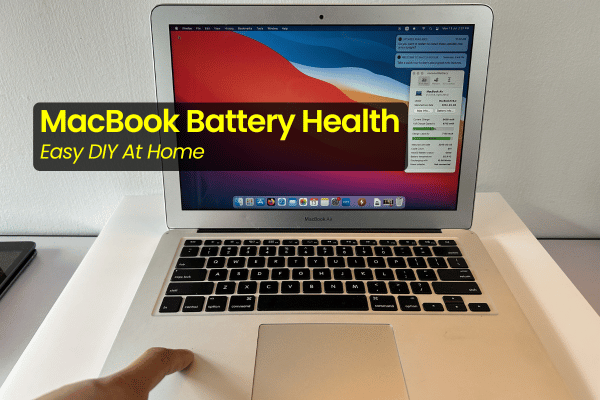
ToggleMacBook Battery Health Test at Home
Simple Ways to See If Your Battery is Toast
Let us be completely real, nobody wakes up wishing they had to spend money on a new battery. But if you have been using your MacBook for a couple of years, you might start noticing that it just does not hold power like it used to. Before you panic and download confusing 3rd party apps or make a rush trip to a shop, you can actually run a few easy diagnostic steps yourself.
You do not need to be a tech genius to figure out if your battery is still healthy or if it is actively dying. Here is a breakdown of simple MacBook battery health tests at home that anyone can do in just a few minutes.
Test 1: The Instant Blackout (The Dead Cell Check)
This is the most direct test of all. Plug your charger in, let the Mac boot up normally, and then pull the charging cable straight out.
If your MacBook turns off immediately the exact second you unplug the charger, you do not need to look any further. It is a 99.9% confirmed battery issue. When a battery cell completely degrades or suffers an internal short circuit, it loses its ability to store any power capacity. The battery effectively becomes a broken bridge, meaning your Mac can only turn on direct power from the wall plug.
Test 2: Flat Surface Wobble & Trackpad Click Test (Swollen Battery Alert)
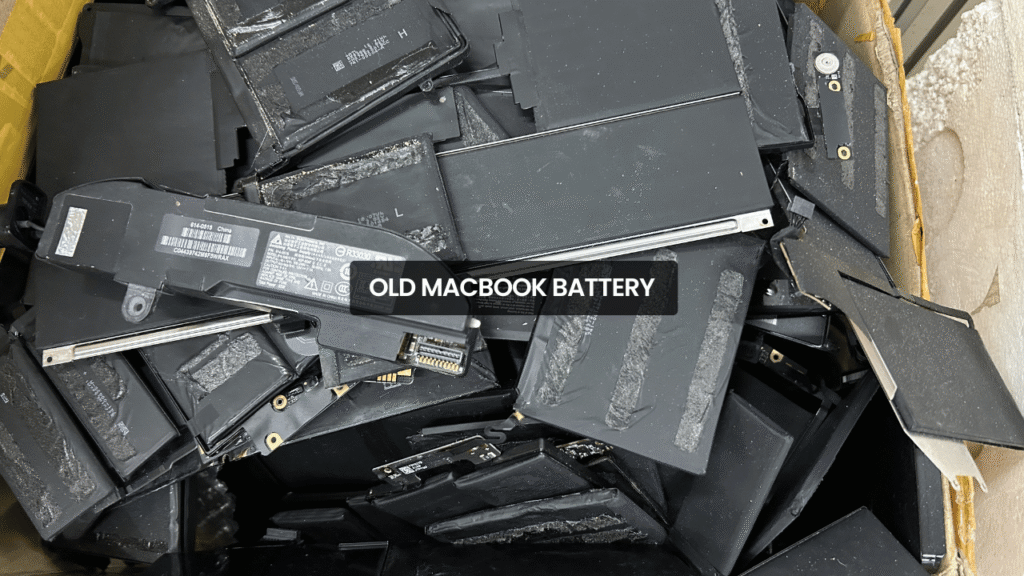
A swollen battery is a physical hazard that requires immediate attention. Lithium ion batteries expand when they degrade or overheat, creating massive internal pressure right under your trackpad and keyboard. Here is how you check for it:
Table Test: Place your MacBook completely flat on a level table or a tiled floor.
Press Test: Use your fingers and gently push down on both sides of the palm rest (the smooth areas next to your trackpad).
Look for Movement: Does the MacBook rock back and forth? Does it swing or spin easily on the table like a jigsaw piece?
If your Mac wobbles on a flat surface, or if your trackpad is suddenly very hard or impossible to press down, you have a 99.9% confirmed swollen battery.
⚠️ The Unused Mac Warning: Do not make the mistake of thinking an older Mac sitting inside your store or drawer is safe. Even if a MacBook is completely unused, a degraded battery can continue to swell over time. The structural pressure can easily crack your glass trackpad, snap the screws on your bottom casing, and permanently bend the aluminum chassis out of shape. Get it checked and changed as soon as possible to avoid massive damage.
Test 3: The DIY YouTube Stress Test
If your Mac stays on when unplugged and sits flat on the table, but you still feel like the % drops way too fast, you can run a capacity drain test.
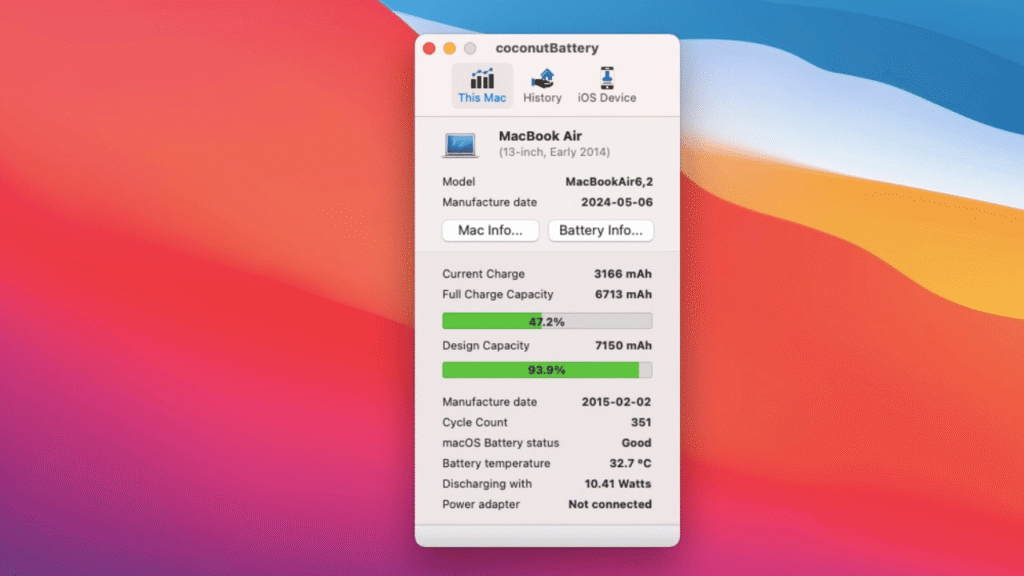
Instead of trusting the system internal health %which can sometimes glitch and show incorrect data, do this manual stress test:
Step 1: Charge your MacBook to exactly 100%.
Step 2: Quit all your active applications completely. Don’t just minimize them or click the red ‘X’ button. Go to the menu bar or press
Cmd + Qto close things down fully. This includes background sync apps like Spotify, Dropbox, Google Drive, or OneDrive.Step 3: Open a standard Google Chrome browser window.
Step 4: Head over to YouTube, search for any 24/7 live news channel, set the resolution to 1080p, set the player into theater mode, and unplug the charger.
Now, just leave it running and time how long it takes to drop from 100% down to a complete shutdown.
Benchmarks:
Older Intel MacModels: Expect 5 to 6 Hours
Apple Silicon M-Series (M1 onwards): Expect 7 to 8 Hours
If your MacBook dies significantly faster than these target hours (for example, if your M1 Mac goes completely dark after just 2 or 3 hours of video playback), your battery capacity has dropped significantly and it is definitely time for a replacement.
Fast, Direct Battery Swaps at Our Subang SS15 Hub
If your home testing confirms that your battery is dying or expanding, you do not have to worry about complicated booking systems or leaving your mac away for weeks. At Orange Fix Services, we keep ready battery stock directly at our shop.
You can walk straight into our main Subang Jaya SS15 shop for a fast, honest evaluation on the spot. No middleman markups, no blind guesses, just direct, transparent component replacements to get your machine back to 100% stability.
If you are staying outside the Klang Valley or cannot make the drive, you can safely package your device and postage it directly to our shop at No.22 – 1, Jalan SS 15/8, SS15, 47500 Subang Jaya, Selangor, where our team handles your Mac like our own.
Frequently Asked Questions
Can I use my MacBook while the battery is swollen?
No, it is highly unsafe to continue using a MacBook with a visibly swollen battery. The expanding cell places severe physical strain on the internal logic board links and can easily crack the glass trackpad. More importantly, a punctured or heavily compressed swollen battery cell poses a risk, meaning it can catch fire or vent toxic smoke if sudden impacts or high workloads.
Why does Google Chrome drain my Mac battery faster than Safari during the test?
Google Chrome utilizes a highly multi process architecture that handles every single open tab, extension, and video stream as an independent operational thread. This naturally demands more constant processing cycles from your CPU and draws more power from the logic board power lines compared to Safari, making it the perfect tool to accurately stress test your battery capacity.
Will replacing my MacBook battery erase my personal files or photos?
No. A battery replacement is a purely hardware swap. Your OS, applications, work documents, and personal photos live inside the solid state drive (SSD) chips soldered onto the main logic board. Since the logic board remains completely untouched during battery change, your data stays 100% secure and intact.

Topics That Might Interest You
Based in the Shah Alam area and dealing with a sudden MacBook hardware failure? Read our local neighborhood support guide for a fast macbook repair near kota kemuning to locate our shop.
Is your trackpad physically stuck or hard to clicks? Explore the reasons behind a macbook trackpad not clicking malaysia issue to see how hidden internal battery pressure damages your parts.
Stuck looking at a frozen display screen during macOS boot setup? Check out our step by step troubleshooting path for a macbook stuck at apple logo malaysia error.

About The Author
This article is written with input from Kevin, who has 18 years of hands on experience in MacBook repair, logic board inspection and Apple device care. Kevin and the OrangeFix team are also daily Apple product users, so every guide is written from real repair experience and practical user understanding.
Kevin has shared his repair knowledge through a CityPlus FM radio interview and has also been featured twice in The Star for gadget care, water damage advice and digital decluttering tips.
OrangeFix is an independent repair centre in SS15, Subang Jaya.