


Table of Contents
ToggleWater Stain On MacBook Screen Malaysia
What Should You Do?
A water stained MacBook screen may still work, but liquid can also travel deeper into the MacBook. It may affect the logic board, battery area, keyboard, keyboard backlight, trackpad, speaker, USB C port or display connector.
If you are lucky, only the screen reflector layer is affected, and if the liquid has entered deeper, corrosion and algae can start later.
OrangeFix recommends sending the MacBook for proper checking before deciding whether it only needs screen reflector layer repair, full screen replacement, cleaning, or logic board repair.
Why MacBook Screen Water Stain Happens?
Water stain usually happens when liquid enters the display area.
This can come from a water bottle leaking inside a bag, cleaning liquid sprayed directly on the screen, rain, spill from the keyboard area, or water entering through the screen edge.
- Display may still turn on.
- MacBook may still feel normal.
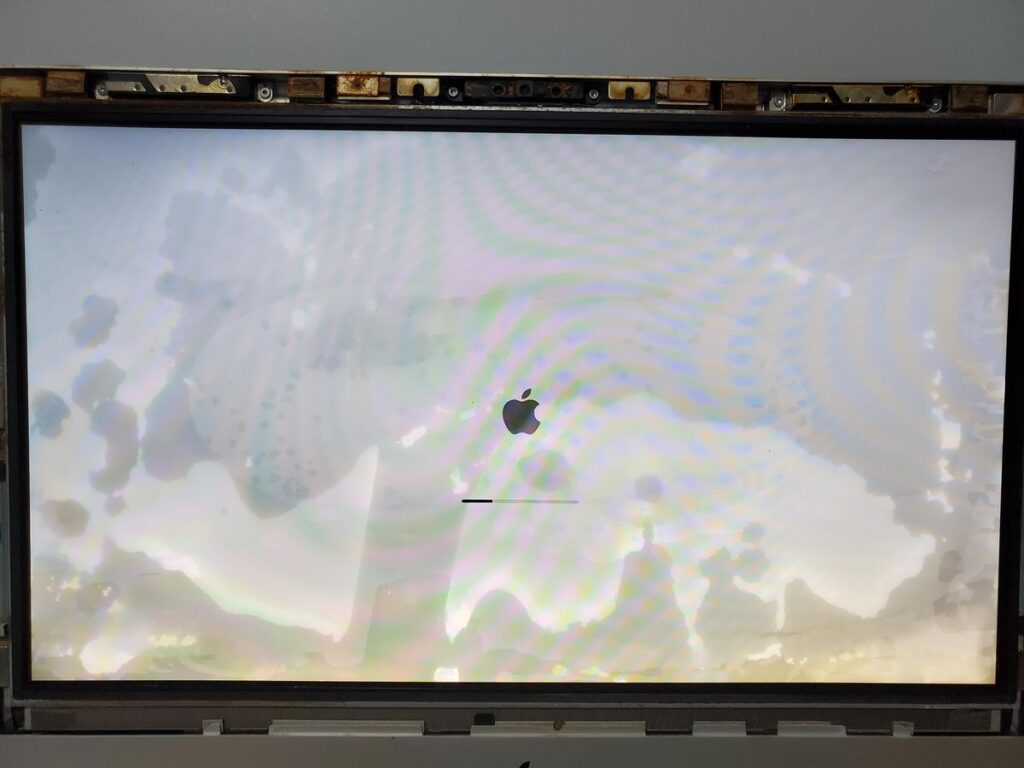
The stain may look like a patch, cloud, shadow, uneven bright area, water mark, or strange pattern behind the screen.
That does not mean the MacBook is fully safe.
The Screen Reflector Layer May Be Repairable
In some MacBook screen water stain cases, the LCD panel may still be working, but the reflector layer inside the screen has water marks.
If the panel is still healthy, changing the screen reflector layers may help restore the display without replacing the full screen assembly. This can be a more cost effective option compared with changing the whole screen.
YP Mac has shared before that certain MacBook screen stain cases can be handled by working on the reflector layer, depending on the actual screen condition.
Still, this must be checked first. Not every water stained screen can be repaired this way.
Why We Still Need To Check The Whole MacBook?
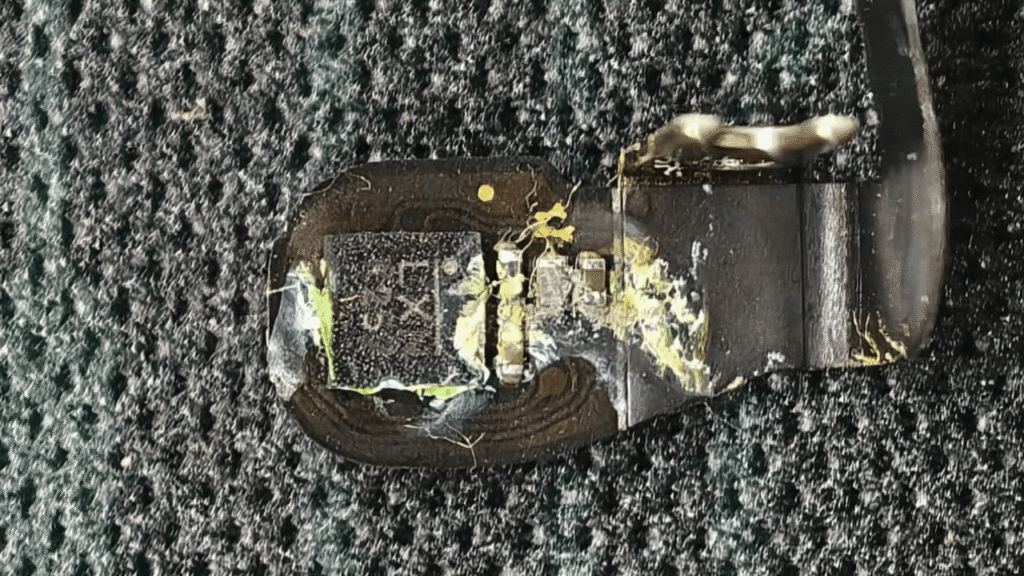
A water stain on the screen is sometimes only the visible part of the problem.
Liquid may have passed through the display area, keyboard area, hinge side, trackpad area or charging port before leaving the stain.
That is why we need to check more than the screen. The MacBook may still be working today, but moisture or residue can remain inside. This is why checking early matters.
If Everything Still Works, Is It Safe?
It is good news if the MacBook still works. But good news does not mean no risk.
Some Reddit users shared cases where water stayed inside the screen, and the MacBook still worked at first. Other users and repair replies warned that corrosion can develop later and affect other components.
In simple words, if everything still works, happy lah. But still better to check. Water damage can be quiet at the beginning.
Why Cleaning Spray Can Also Cause Screen Stain?
Not all screen stains come from water spill. Some come from spraying cleaner directly onto the screen. Liquid can flow down into the screen edge, display layers or hinge area.
Apple advises using a soft, lint free cloth and avoiding getting moisture into openings when cleaning Apple products. Apple also says not to spray cleaner directly onto the item.
For MacBook screens, always spray onto the cloth first, not directly onto the screen.
What OrangeFix Checks?
OrangeFix checks the display condition, reflector layer condition, screen backlight, display signal, hinge area, keyboard area, trackpad area, battery area, logic board condition and signs of liquid entry.
If only the reflector layer is affected, we will advise whether reflector layer repair is possible. Say the screen panel is damaged, full screen replacement may be needed.
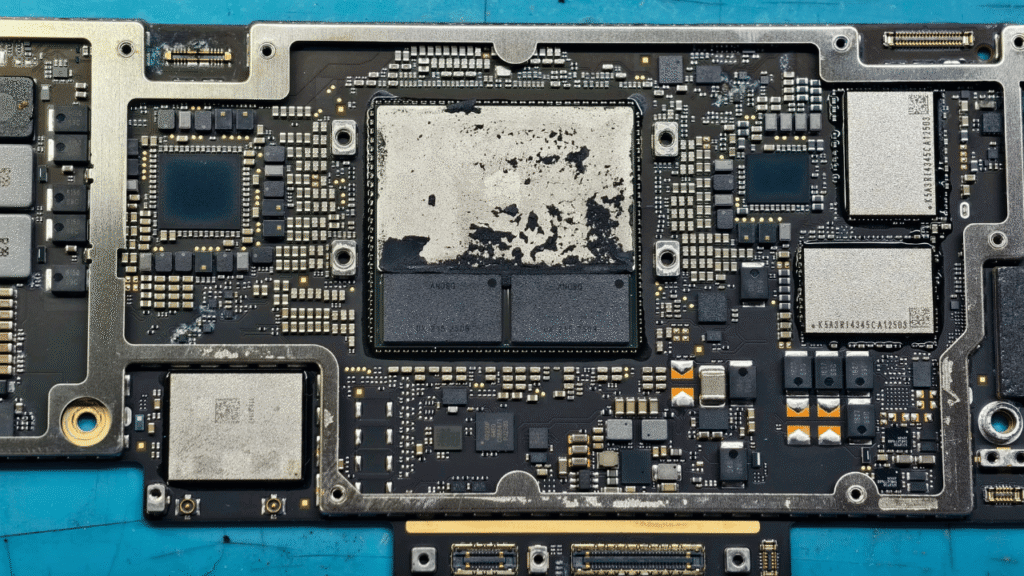
Should liquid reach the logic board or other parts, we will explain the repair direction clearly before proceeding.
Frequently Asked Questions:
Can Water Damage The Logic Board From A Screen Stain?
Yes, depending on how the liquid entered. Water can move from the screen area, hinge side, keyboard area or ports into other internal parts.
What Other Parts Can Be Affected?
Battery, trackpad, keyboard, keyboard backlight, speaker, USB C port, display connector and logic board may be affected.
Should I Wait For The Stain To Dry?
Waiting may reduce the visible stain slightly, but it does not clean residue or stop corrosion inside the MacBook.
Can I Use A Hair Dryer?
No. Heat can damage the screen layers and may push the problem further.
Can OrangeFix Check Before Quoting?
Yes. OrangeFix checks first to confirm whether the issue is screen reflector layer, full screen damage, liquid damage or logic board related.

Advice From Us
Send it to OrangeFix for proper checking before assuming it is only a screen issue. If the reflector layer can be repaired, we will advise you clearly.
If water has affected the logic board, battery, keyboard, trackpad or other hardware, we will explain the safer repair direction before proceeding.