



Table of Contents
ToggleMacBook Spoiled, Can Trade In To Apple?
Many Malaysian Mac users assume that even a spoiled MacBook or iMac can still get good trade in value from Apple.
The simple answer is, not always.
Apple Trade In is mainly for eligible devices that can still be assessed based on model and condition. If your device is accepted, the value is usually given as credit towards a new Apple purchase, not cash in hand.
If the device is not eligible for trade in credit, Apple may still recycle it securely for free. This means your Mac may still be accepted, but it may not have any trade in value. Apple Malaysia states that eligible devices can receive credit towards a new purchase, while devices not eligible for credit can be recycled for free.
Apple Trade In Is Not The Same As Selling For Cash
One common misunderstanding is thinking Apple will take your old MacBook and give you cash.
In most cases, Apple Trade In works as credit towards a new Apple purchase. This may be used as a discount, refund, or credit depending on how the purchase is arranged.
So if your goal is to get cash for your MacBook, Apple Trade In may not be the right option.
Can A Spoiled MacBook Still Get Trade In Value?
It depends on what is spoiled.
If the Mac can still turn on, the screen is working, the device is not locked to an Apple Account, and the condition can be assessed properly, Apple may still offer trade in credit.
But if your MacBook cannot turn on, has screen damage, logic board issue, liquid damage, serious casing damage, or cannot remove Apple Account, the trade in value may be heavily reduced. In some cases, it may only be accepted for recycling.
What If The MacBook Only Has Battery Problem?
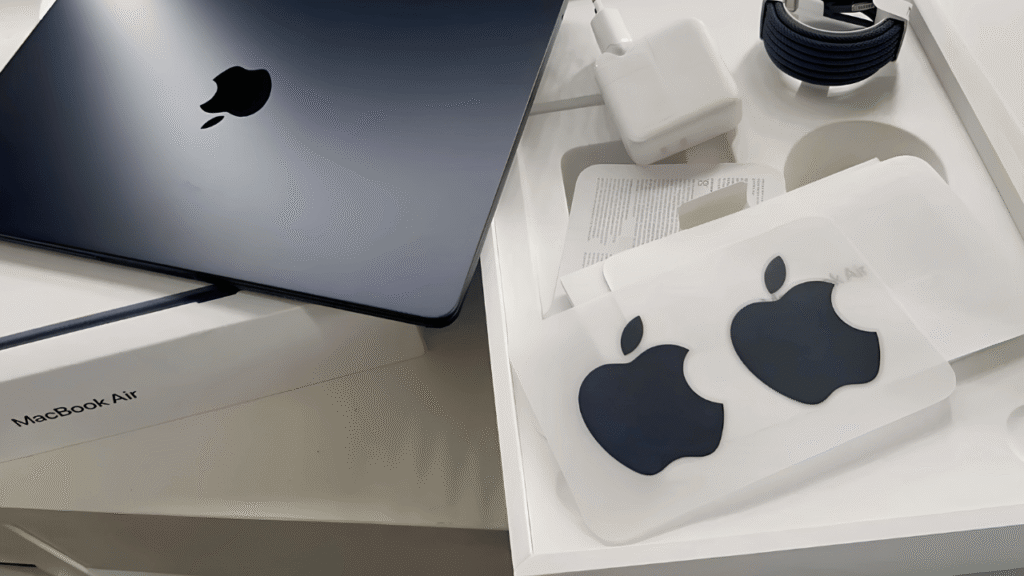
Battery issue is slightly different. If the MacBook can still turn on and the main issue is only battery related, it may still be considered for trade in depending on Apple’s final assessment.
But a weak battery and a MacBook that cannot power on are not the same thing. If the Mac cannot turn on at all, the value may be affected more seriously.
What If Your Mac Still Has AppleCare+?
If your Mac still has AppleCare+, check Apple repair options first before trading in.
AppleCare+ covers battery replacement at no extra charge if the battery holds less than 80% of its original capacity. AppleCare+ also includes extended hardware coverage, depending on the issue and claim terms.
For selected damage, you may be offered a repair option with a service fee. This may make more sense than trading in the Mac as faulty.
What You Should Do Before Trading In Your Mac?
Before trading in your Mac, back up your data first. Then sign out of your Apple Account, turn off Find My, erase the Mac, and remove your personal information properly.
Apple Support recommends preparing your device before selling, giving away, trading in, or recycling it, so your personal data is removed safely.
If the Mac is still linked to your Apple Account, the trade in process may be delayed or rejected.
Should You Repair Before Trading In?
Sometimes yes, sometimes no. If the problem is minor fault, repairing first may help protect the value of the Mac.
But if the Mac has serious screen damage, logic board damage, liquid damage, or the repair cost is too high, it may not be worth repairing just for trade in.
The smarter way is to check first, then compare the repair cost, possible trade in value, resale value, and data importance.
Our Simple Advice
If the Mac can still be repaired, sold as faulty, used for data recovery, or kept as a backup machine, those options may be better than sending it straight for recycling.
Before you decide, get the Mac checked properly and understand your options clearly.
Frequently Asked Questions:
MacBook Spoiled, Can Trade In To Apple?
Possibly, but only if the device is still eligible after assessment. If the MacBook cannot turn on, has serious damage, or is not accepted for credit, Apple may only recycle it for free.
Does Apple Give Cash For MacBook Trade In?
Usually no. Apple Trade In is mainly given as credit towards a new Apple purchase, not normal cash in hand.
Can I Trade In A MacBook That Cannot Turn On?
Usually, if a MacBook cannot turn on, the trade in value may be heavily reduced or it may only be accepted for recycling. It is better to check the device first before assuming it still has value.
Can I Trade In A MacBook With Screen Damage?
Screen damage can reduce the trade in value significantly. In some cases, the device may become very low value or not eligible for trade in credit after assessment.
Can A MacBook With Battery Problem Still Be Traded In?
Possibly, if the Mac can still turn on and the issue is mainly battery related. The final decision still depends on Apple’s assessment.
What Should I Do Before Sending My Mac For Trade In?
Back up your data, sign out of your Apple Account, turn off Find My, erase the Mac, and make sure your personal information is removed.
Should I Repair My MacBook Before Trading It In?
It depends on the repair cost and expected trade in value. If the issue is minor, repair may help. If the issue is serious, compare repair, resale, trade in, and recycling options first.

Conclusion
If you are not sure whether your MacBook or iMac is worth repairing, trading in, selling as faulty, or recycling, you can let us check first.
A proper assessment can help you avoid giving up a Mac that still has repair value, resale value, or important data inside.
Orange Fix Services is an independent repair provider built on two strong foundations, YP Mac 18 years of hands on Apple repair experience, and MacFix B2B parts supply network that supports many repair shops and dealers.
For customers, this means clearer diagnosis, stronger repair knowledge, and a more direct source for parts support.