


Table of Contents
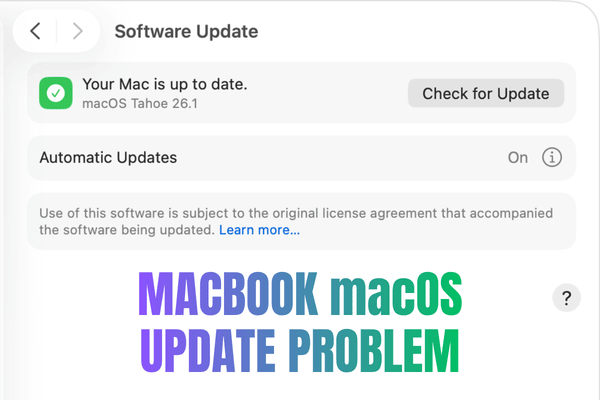
ToggleMacBook macOS Update Problem Malaysia.
Think Twice Before Installing The Latest Version!
Every year, Apple previews a new macOS during WWDC, usually around June. The early beta version becomes available for testing, then the public release normally arrives later in the year.
It always looks exciting with new design, features, awesome Apple presentation, and new reason to press update.
But for normal MacBook and iMac users, the newest macOS is not always the safest choice on day one.
A macOS update can bring better security and new features. It can also cause crashes, app issues, data problems, firmware errors, slow performance, loud fan noise, fast battery drain, or a Mac that suddenly feels much older than before.
This is why OrangeFix strongly encourages users to think first, backup first, and update only when the Mac is truly ready.
Compatible Does Not Always Mean Comfortable.
Apple may allow your Mac to install the latest macOS, but that does not automatically mean your Mac will run smoothly after the update.
For example, macOS Tahoe 26 supports selected Intel Macs, including the MacBook Pro 13 inch 2020 with Four Thunderbolt 3 ports and MacBook Pro 16 inch 2019.
On paper, the update is allowed. In real life, some older Intel MacBooks may struggle after major updates.
Common complaints can include:
- Battery drains faster than before.
- Fan noise becomes louder.
- Mac feels slow and laggy.
- Apps crash or freeze.
- Device feels extremely hot.
- Startup becomes unstable.
- Storage becomes too full after updating.
- Some software stops working properly.
This is not always a hardware repair issue. Sometimes, the macOS version is simply too heavy for that Mac’s current condition.
The Mac Was Working Fine, Then The Update Made It Feel Broken. This is one of the most frustrating cases.
Before update, the MacBook feels acceptable. After update, the fan runs like an aeroplane.
- The battery drops too fast.
- Opening apps takes longer.
- Typing feels delayed.
Even after dust cleaning and thermal paste replacement, the fan noise may still be unbearable because the main issue is not only dust or heat paste. The new macOS may be pushing the older Intel processor harder than before.
That is why we always say, do not update blindly just because the button is there.
Why Backup Is Not Optional?
A macOS update touches important system files. In some cases, firmware can also be updated during the process.
Most updates complete safely. The problem is when something goes wrong and the user has no backup.
A failed update can lead to a Mac stuck at loading, a boot loop, missing data, corrupted system files, or a full restore situation.
When there is no Time Machine backup, no iCloud sync, and no external copy of important work, the repair becomes more stressful.
What Is macOS Beta Version?
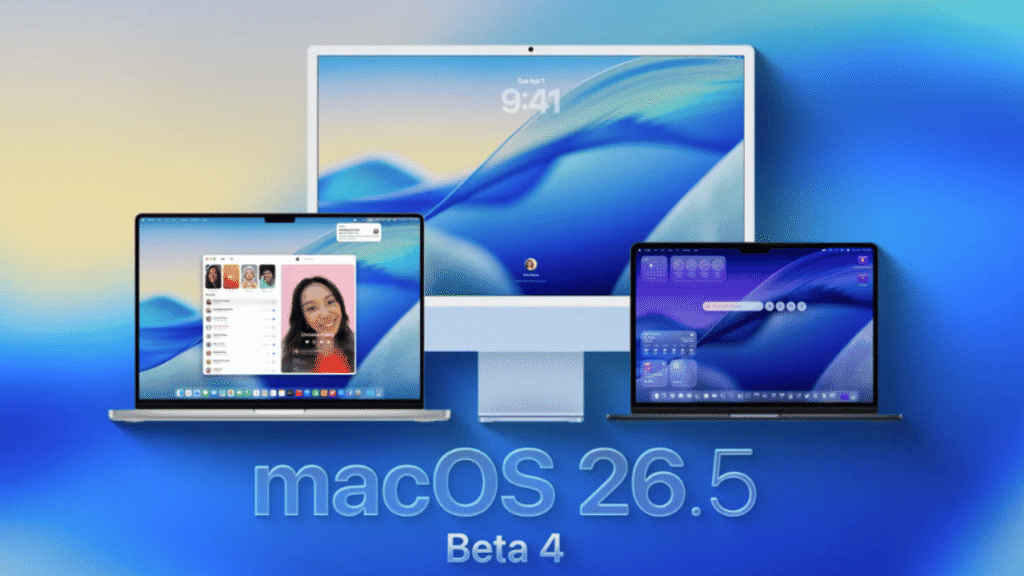
Beta version is a test version of macOS released before the final public version.
Apple provides Beta software so developers and testers can try the new system early, check app compatibility, report bugs, and prepare their software before the official release. Apple’s developer page shows macOS beta updates can be installed through System Settings, General, Software Update, Beta Updates on supported Macs.
This does not mean normal users should install it on their main Mac. Beta means:
- Unfinished.
- Bugs are expected.
- Apps may not behave normally.
- Today okay, tomorrow update again, suddenly not okay.
For developers, that risk is part of testing while for normal users who need the Mac for work, study, business, accounts, design, or assignments, Beta macOS can become a very expensive lesson.
Why Beta macOS Is Dangerous For Normal Users?
Beta macOS can cause problems that normal users are not ready to handle:
- App crashes can happen.
- Battery life may become poor.
- Certain printers, plugins, drivers, or office apps may stop working.
- System settings may change unexpectedly.
- Some files may not open properly.
- Downgrading back to an older macOS can be troublesome.
- Important data may be at risk if there is no proper backup.
The worst part, many users install beta because they are curious, not because they are prepared. Curiosity is fine. Testing on your main work Mac is the dangerous part.
What To Do Before Updating macOS?
Here is the safer way:
- Check whether your Mac model is suitable, not just compatible.
- Confirm your important apps support the new macOS.
- Keep enough free storage, at least 50GB free space.
- Make a full backup using Time Machine or another reliable method like Cloud.
- Update only when you do not need the Mac urgently.
- Wait a few weeks after public release if your Mac is older.
- Avoid Beta versions on your main work Mac.
- Ask for advice if your Mac is already hot, slow, or unstable.
Small preparation can prevent a big headache.
Frequently Asked Questions:
Should I Update My MacBook To The Latest macOS?
Not immediately, especially if your Mac is older or important for daily work. Check your backup, storage, battery condition, app compatibility, and model suitability first.
Why Is My MacBook Slow After Updating macOS?
A newer macOS can use more system resources. Older Intel MacBooks may feel slower, hotter, and noisier after a major update, especially if storage is low or the battery is weak.
Can macOS Update Cause Data Loss?
It can happen if the update fails, the system becomes corrupted, or the Mac needs to be restored. That is why a full backup before updating is very important.
Is macOS Beta Safe To Install?
Beta macOS is mainly for developers and testers. Normal users should avoid installing it on their main Mac because bugs, crashes, battery drain, and app issues can happen.
Can I Downgrade From A New macOS To An Older Version?
Yes, but it can be troublesome and require erasing the Mac. Without backup, your data may be at risk.
Why Does My MacBook Fan Become Loud After Updating?
The newer macOS may put more load on the processor. On older Intel MacBooks, this can lead to more heat, louder fans, and faster battery drain.
Can Dust Cleaning Fix Fan Noise After A macOS Update?
Dust cleaning and thermal paste replacement can help if the cooling system is dirty. But if the main cause is the new macOS pushing the Mac too hard, cleaning alone may not fully solve the problem.
What Should I Do Before Installing A Major macOS Update?
Backup your data, check app compatibility, free up storage, make sure your Mac is stable, and avoid updating during urgent work periods.

Advice From OrangeFix.
Thinking of updating your MacBook to the latest macOS?
Let OrangeFix check whether your Mac is ready before you press update. A few minutes of checking can save you from crashes, data panic, loud fan noise, and unnecessary repair stress.