



Date: 12 October 2026
Table of Contents
ToggleMalaysia Haze & School Closed: Is Your MacBook or iPad Ready for Online Classes?
Whenever Air Pollutant Index (API) readings cross hazardous thresholds across Peninsular Malaysia, the Malaysian Ministry of Education might annouce emergency physical school closures to protect student health. When these official announcements is made, schools immediately transition to home based online learning (PdPR).
Because these government announcements often come with minimal notice, parents are left panicking late in the evening: “Which laptop can my child use tomorrow morning?”, “Is our old family MacBook Air still usable for Zoom?”, or “Can an older iPad load Google Classroom smoothly?”
Before you spend thousands of Ringgit last minute buying a new laptop, here is how to verify your existing Apple devices, what hardware specs are required for Malaysian school apps, and where to get instant same day repair if your device won’t turn on or got other issues.
Step 1: Identify the Required Online Learning Apps
When Malaysian schools confirmed there will be online class for students, teachers will communicate class links through class WhatsApp or Facebook groups.
The 3 main platforms used by primary and secondary schools across Malaysia are:
Google Classroom: Used by Ministry of Education accounts for assignments and homework submissions.
Google Meet: Used for live daily online classes and teacher attendance checks.
Zoom: Used mainly for tuition class and school assemblies.
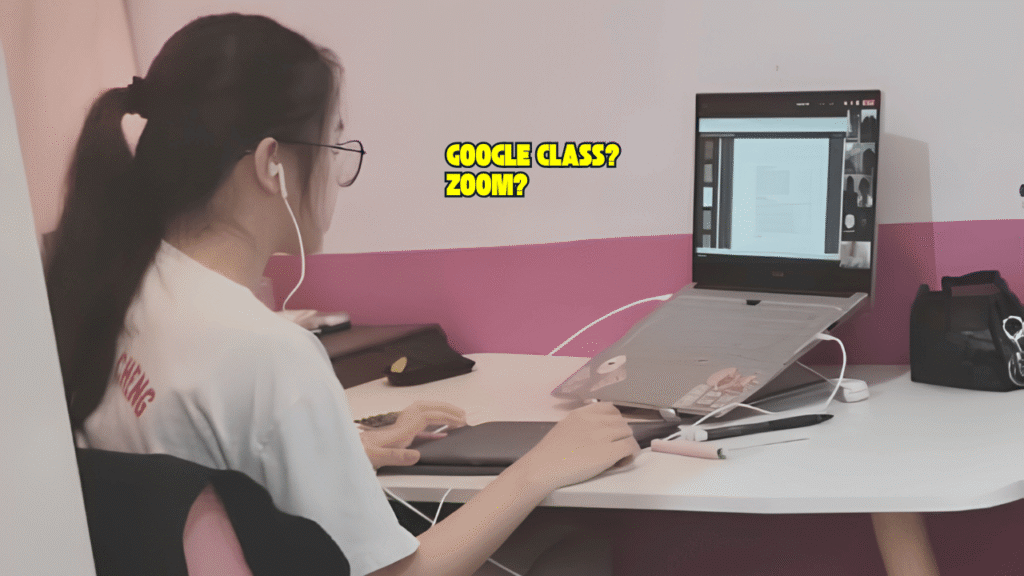
macOS & iPadOS Compatibility for Malaysian Students
Online learning platforms run primarily in your internet browsers or lightweight apps. You do not need a brand new M series MacBook for your kid(s) online class.
Here is a quick compatibility guide for Apple devices in your household:
Apple Device & Model | Supported OS Version | Google Meet & Classroom | Zoom App / Web | Online Class Suitability |
MacBook Air / Pro (2012 – 2015) | macOS 10.15 (Catalina) / Big Sur | ✅ Supported via Chrome / Safari | ✅ Supported (Zoom Client) | Great Budget Choice (Recomended 16GB RAM) |
MacBook Air / Pro (2017 & Newer) | macOS 12 (Monterey) or higher | ✅ Works smoothly | ✅ Full HD Supported | Stable Performance |
iPad (5th Gen 2017 or Newer) | iPadOS 14 or higher | ✅ Full App Store Support | ✅ Full App Store Support | Good for Primary School Students |
iPad Air 2 / iPad Mini 4 | iPadOS 14 / 15 | ✅ Supported via Safari/App | ✅ Supported | Good for Basic Viewing |
💡 Practical Tip for Parents: If your older 2013–2015 MacBook Air feels sluggish during live video sessions, open Google Meet inside the latest Firefox browser window and close unused tabs. As long as the laptop has 8GB of RAM and a working webcam and microphone, it will easily handle online classes.

Emergency Urgent Repair: Fixing Your MacBooks or iPads on the Spot
If you found an old family MacBook or iPad out of store room only to find a hardware issue:
Battery is swollen or holds 0% charge.
Display screen remains pitch black or flickers.
Charging port is loose or cannot charge.
The trackpad or keyboard cannot click.
When the government closes schools, online classes start the next morning—your child cannot wait 7 to 14 business days for official service centres to order parts, nor can parents risk lossing your kid homework files.
Bringing your machine directly to our shop in Subang SS15 allows our technical team to perform an on the spot inspection. We have many local ready stock for MacBook and iPad battery, charging flex cables, and screens—completing most repairs on the same day within hours so your kid is fully ready for their online class.
Frequently Asked Question
What should I do if my kid iPad shuts down as soon as the charger is unplugged during Zoom class?
Video calls put demands on the battery internal power delivery. If an old iPad battery health capacity has degraded, the voltage drops under load, causing an immediate shutdown unless its is always connected to power. Replacing the battery will restores normal portable usage.
How fast can Orange Fix replace a dead MacBook battery or screen during an emergency school closure?
Because we keep many ready stock for most MacBook Air, MacBook Pro, and iPad models, battery and screen replacements are typically completed on the same day within 1 to 3 hours at our shop.

Topics That Might Interest You
Looking for a complete buyer guide on choosing between a MacBook Air or Pro for student use? Read our full breakdown in best macbook for students buying guide.
Tired of multi week repair wait? Compare repair speeds, costs, and data policies in official service centre vs orange fix macbook repair guide.

About The Author
This article is written with input from Kevin, who has 18 years of hands on experience in MacBook repair, logic board inspection and Apple device care. Kevin and the OrangeFix team are also daily Apple product users, so every guide is written from real repair experience and practical user understanding.
Featured Twice in The Star newspaper Tech section
We have ben sharing practical hardware maintenance advice with the Malaysian public:
Pet Accidents & Hardware Safety: Tips on protecting MacBooks from liquid spills, pet fur, and internal fan clogs in The Star: Not ‘fur’ fun – How to protect your gadgets from pet mayhem.
Hardware Longevity & Maintenance: Insights on digital decluttering, storage care, and internal thermal servicing in The Star: Step into the Lunar New Year with a clean slate.
YouTube Radio Interview
The team also have also shared our repair knowledge through a CityPlus FM radio interview on YouTube which you can watch bellow.
OrangeFix is an independent repair centre in SS15, Subang Jaya.