



Table of Contents
ToggleHow To Make Apple TRX Genius Bar Appointment?
Visiting Apple The Exchange TRX for the first time can feel scary, especially when your iPhone, iPad or MacBook needs warranty service.
For us, going to Apple TRX is almost a daily routine. For most users, it may be their first time dealing with an official Apple Genius Bar appointment.
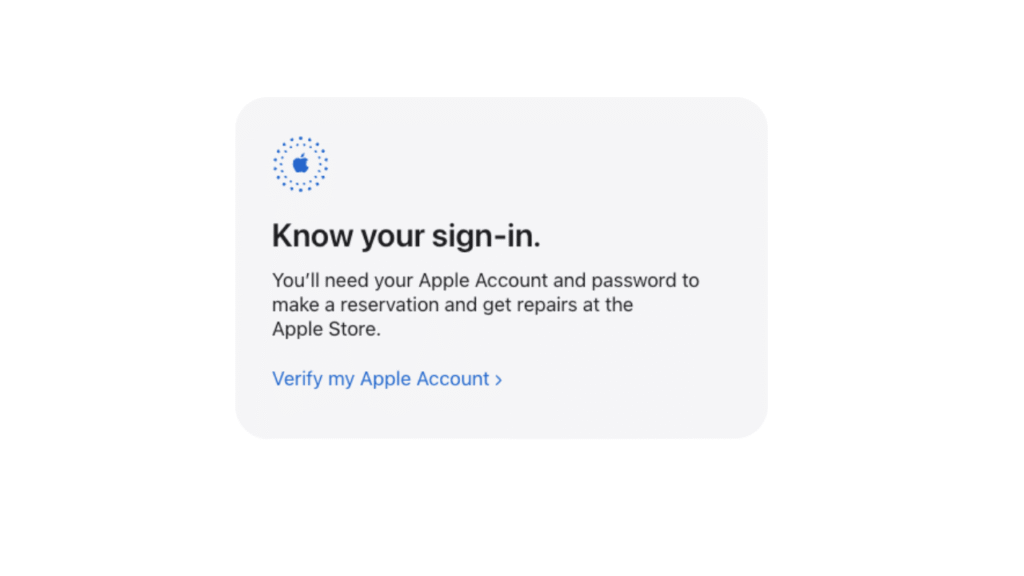
First, open the Apple Genius Bar appointment link. Sign in using your Apple Account and password. Your Apple devices should appear under your account. If the appointment is for another device, you can enter the serial number manually.
After choosing your device, select Apple The Exchange TRX as the service location and confirm your appointment.
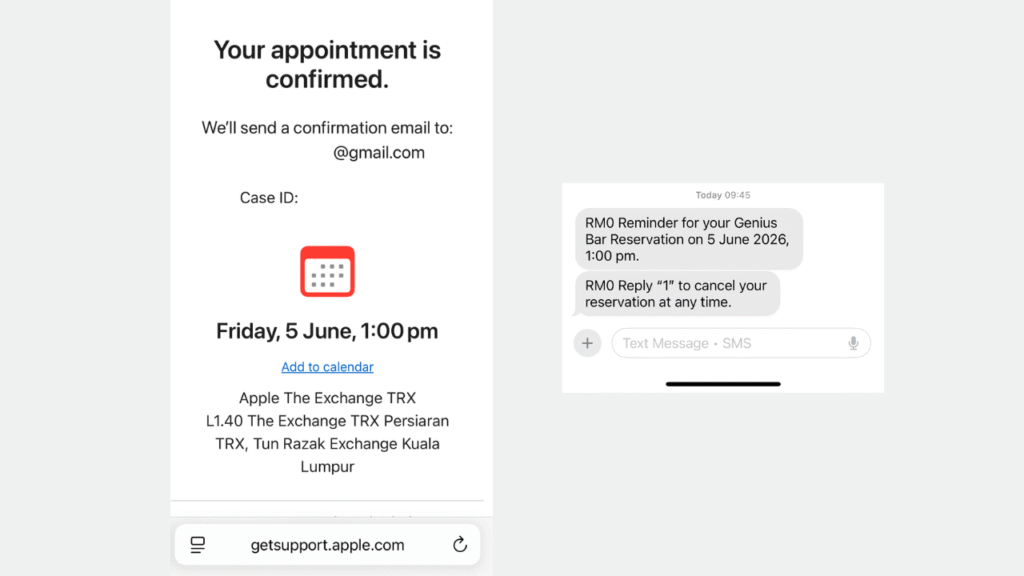
Appointment Email Confirmation
Apple will send an email confirmation. In Malaysia, you may also receive an SMS. If you need to cancel, follow the instruction in the SMS or email.
On appointment day, arrive on time. For Apple TRX, go to Level 2 and check in with the staff near the stairs. Once checked in, you will usually be assigned a seat.
DO NOT arrive too early. Apple usually can only check you in around 10 minutes before your appointment time. Also, do not be late. Apple appointments are quite strict, and late arrival may affect your slot.
Before going, make sure you know your Apple Account and password. Apple may need you to sign out of your device before repair or parts replacement. This is also to confirm that you are the rightful owner.
What Can You Claim Here?
If your device is covered under standard 1 Year Apple warranty and AppleCare, you may proceed directly to Apple TRX.
However, if your extended warranty (after 1 year) is under Machines, Harvey Norman, Senheng or another retailer, please go back to that retailer. Their extended warranty is handled by the retailer, not directly by Apple.
For older Apple devices, take note that Apple may no longer service products that are already obsolete. In that case, Apple may advise replacement or offer recycling. Apple Malaysia does provide free recycling for devices that are no longer suitable for trade in.
If your device has important files, always back up first whenever possible. Warranty and hardware service do not guarantee data recovery.
Frequently Asked Questions:
Should I go to Apple TRX or others?
Go to Apple TRX if your device is still under Apple warranty or AppleCare. Visit others if your device is out of warranty, already obsolete, needs urgent repair, or you want a second opinion before replacing the whole device.
What if Apple says my device is obsolete?
If Apple says your device is obsolete, it usually means Apple no longer offers official hardware service for that model.
Can OrangeFix repair obsolete Apple devices?
Yes, OrangeFix can inspect and repair selected older MacBook, iMac and iPad models, even when Apple no longer provides hardware service for them. This depends on the device condition, parts availability and whether the repair is still practical.
Can I walk in to OrangeFix without appointment?
Yes, walk in is accepted at OrangeFix, SS15, Subang Jaya. For urgent cases, it is still better to WhatsApp us first so we can check parts availability and advise the fastest arrangement.
Can OrangeFix repair my MacBook urgently?
Yes, for common issues such as screen, battery, keyboard, trackpad, charging port or selected logic board problems, we may be able to provide faster inspection or replacement if parts are ready. The final timing depends on the model, fault and testing needed after repair.
Can OrangeFix help if I need the files inside my Mac?
Yes, if the MacBook cannot turn on but the files are important, please tell us before any repair attempt. We will prioritise a careful inspection because one wrong step on a badly damaged device may affect the chance of saving the files.
Does OrangeFix need appointment like Apple Genius Bar?
No, OrangeFix does not require a Genius Bar style appointment. You can walk in, but for urgent MacBook repair, checking parts and queue status through WhatsApp first will make the process smoother.

About The Author
This article is written with input from Kevin, who has 18 years of hands on experience in MacBook repair, logic board inspection and Apple device care. Kevin and the OrangeFix team are also daily Apple product users, so every guide is written from real repair experience and practical user understanding.
Kevin has shared his repair knowledge through a CityPlus FM radio interview and has also been featured twice in The Star for gadget care, water damage advice and digital decluttering tips.
OrangeFix is an independent repair centre in SS15, Subang Jaya, and is not affiliated with Apple.