


Date: 25 August 2026
Table of Contents
ToggleBest MacBook for DJ Use Guide
What to Buy and What to Avoid
When you are spinning music at a packed club on a Friday night or a private party, your MacBook is your absolute lifeline. The crowd is moving, the energy is high, and the absolute worst nightmare for any DJ is the music suddenly cutting out because their Mac froze, overheated, or shut down suddenly.
For DJ’s just starting out, budget is always a real concern. Buying a used MacBook is the best financial move, but buying the wrong used MacBook can destroy your gig and your reputation.
If you are running industry standard software like Serato DJ Pro, Rekordbox, or Traktor, you need 100% rock solid reliability. Here is our direct advice from our experience with DJ clients on what specs you actually need, and which MacBook models you must avoid at all costs.
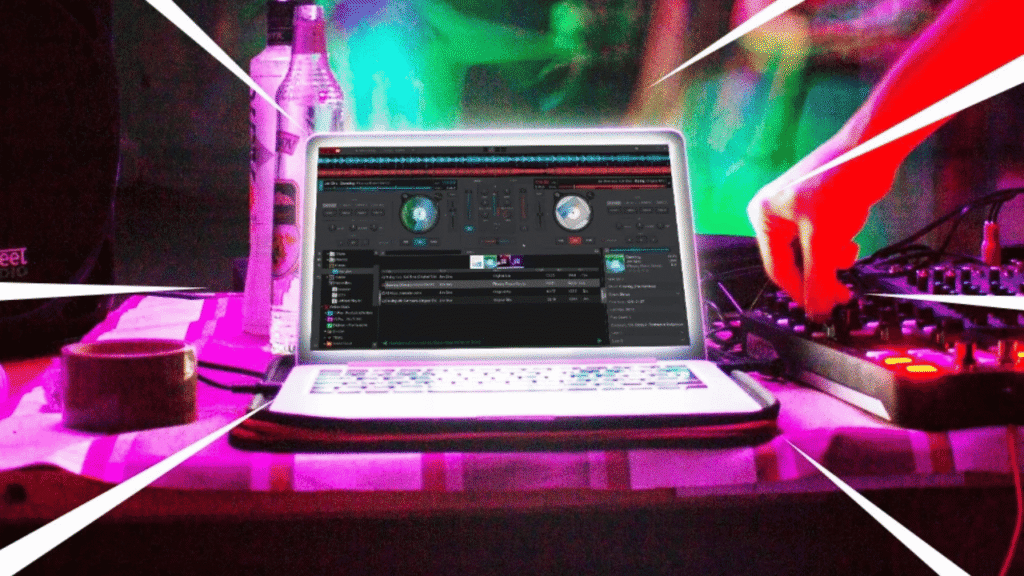
The Danger Zone: Avoid 2016 to 2018 Intel MacBook Pros
Many beginner DJs see a used 2016, 2017, or 2018 Intel MacBook Pro listed cheaply online and think they found a great deal. DO NOT buy these models for live DJ work.
While they look ok to use, these specific generations suffer from severe structural hardware issues that make them a massive liability in a live performance environment:
-
Severe Overheating (Thermal Throttling): The Intel processors packed into these ultra thin chassis generate massive amounts of heat. In a warm club environment with poor ventilation, the logic board overheats rapidly. To protect itself, the system will drastically slows down (throttles), causing audio dropouts or complete OS software freezing.
-
Unexpected System Shutdowns: Under heavy loads (like processing live vocal stems in Serato), the degraded battery and stressed power rails on these boards often trigger sudden, random shutdowns with the music stopping instantly.
-
Screen Flickering (Flexgate): The sensitive display flex cables in these models are prone to tearing from normal lid opening and closing. This leads to a glitchy, flickering screen, or a completely black display right when you need to read your waveforms.
Minimum vs. Recommended Specs for DJ Software
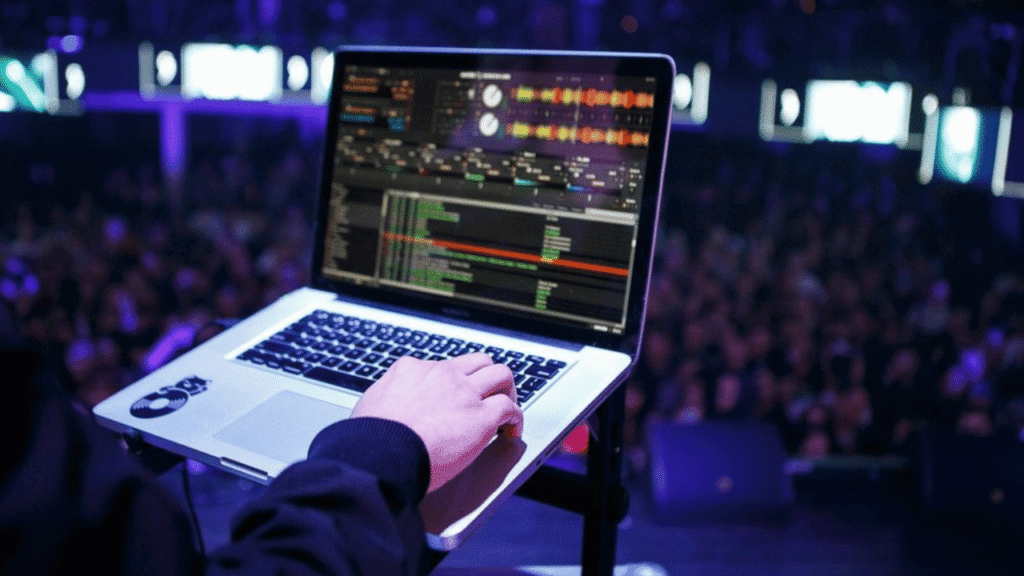
To run modern DJ software smoothly—especially with new ai driven features like real time stem separation (isolating vocals, drums, and bass live)—you need the right hardware foundation.
Here are the requirements for running Serato DJ Pro, Rekordbox, and Traktor:
-
The Absolute Minimum (For basic mixing without AI Stems):
-
Processor: Intel Core i5 (8th Generation or newer)
-
RAM: 8GB
-
Storage: 256GB SSD (Solid State Drive)
-
macOS Version: macOS 12 (Monterey) or newer
-
-
The Recommended Sweet Spot (For heavy live performance & Stems):
-
Processor: Apple Silicon M-Series (M1, M2, or M3 chip)
-
RAM: 16GB (Crucial for loading multiple high resolution tracks and live stem processing without lag)
-
Storage: 512GB or 1TB SSD (To hold massive libraries of lossless WAV/FLAC audio files without relying on slow external hard drives)
-
macOS Version: macOS 13 (Ventura) or newer
-
Why Apple Silicon (M1/M2/M3) is the Ultimate DJ MacBook
If you are stretching your budget, we highly recommend aiming for a used M1 MacBook Air or M1 MacBook Pro (2020 or newer).
Since Apple switched from Intel to their own M series chips, the game completely changed for music professionals:
-
Zero Overheating: M series chips run incredibly cool. The M1 MacBook Air does not even have an internal fan, yet it outperforms older Intel models without ever overheating in a hot club.
-
Insane Battery Life: If someone accidentally kicks your power cable out of the socket during a set, an M series MacBook will easily survive the rest of the night on battery power alone without dropping performance.
-
Ultimate Stability: The unified memory architecture means Serato and Rekordbox run flawlessly with virtually zero risk of system hangs.
Need Help with Your Current DJ Setup?
As daily Apple users ourselves, the Orange Fix team craft every guide from real repair experience and practical user insights—never generic, automated ai posts. We understand the sheer panic of a MacBook failing during a live gig.
If you are currently using an older MacBook and cannot afford to upgrade just yet, bring it into our Subang Jaya SS15 shop. We can perform a deep internal thermal cleaning, replace low capacity battery, and reapply the thermal paste to ensure it survives your next performance without crashing.
Frequently Asked Questions
Why does my Intel processor MacBook fan get so loud when running Serato?
DJ software analyzes real time waveforms and processes high quality audio routing, which puts a heavy load on the CPU. Older Intel processor will generate excessive heat under this stress, causing the cooling fans to spin at maximum RPM to prevent the logic board from melting down.
Can I use a MacBook Air for DJ, or do I need a MacBook Pro?
If you are buying an older Intel model, you must use a MacBook Pro (the Air will overheat and stutter). However, if you are buying an Apple Silicon model (M1, M2, or M3), a MacBook Air is incredibly powerful, fanless, and perfectly capable of running modern DJ software flawlessly.
How much RAM do I really need for DJ?
While 8GB is the minimum to get the software to open, 16GB is highly recommended. Modern DJ techniques, like analyzing track keys on the fly and isolating live audio stems (vocals vs. instrumental), require significant temporary memory to prevent audio stutters.

Topics That Might Interest You
-
Unsure if your recently purchased used Mac is still covered by official Apple support? Learn how to verify your status quickly in not sure you have apple care how to check guide.
-
Tired of waiting weeks for official service quotes and backorder shipments? Find out how direct localized ready stock enables same day turnarounds in why independent macbook repair is faster.

About The Author
This article is written with input from Kevin, who has 18 years of hands on experience in MacBook repair, logic board inspection and Apple device care. Kevin and the OrangeFix team are also daily Apple product users, so every guide is written from real repair experience and practical user understanding.
Featured Twice in The Star newspaper Tech section
We have ben sharing practical hardware maintenance advice with the Malaysian public:
Pet Accidents & Hardware Safety: Tips on protecting MacBooks from liquid spills, pet fur, and internal fan clogs in The Star: Not ‘fur’ fun – How to protect your gadgets from pet mayhem.
Hardware Longevity & Maintenance: Insights on digital decluttering, storage care, and internal thermal servicing in The Star: Step into the Lunar New Year with a clean slate.
YouTube Radio Interview
The team also have also shared our repair knowledge through a CityPlus FM radio interview on YouTube which you can watch bellow.
OrangeFix is an independent repair centre in SS15, Subang Jaya.