


Table of Contents
ToggleMacBook Cannot Turn On, Need Files?
Backup is usually the thing we plan to do later. Then work gets busy.
A deadline moves closer, one project is almost done, your boss is waiting for the update, and the client needs the final version soon.
Everything feels normal until the MacBook suddenly goes off.
- After that, the screen stays black.
- Charging gives no clear response.
- Nothing opens.
- Copying out the important work is no longer possible.
- That is when the real panic starts.
- Not because the MacBook stopped working.
- Because the important data inside may be the only copy you have.
OrangeFix provides data first MacBook inspection in SS15, Subang Jaya for urgent cases where the MacBook cannot turn on and the important work inside still matters.
This is not deleted file recovery, external hard disk recovery, memory card recovery, or forensic recovery.
This service is for MacBook cases where the device itself cannot turn on, and the first priority is to check the safest way to access important data where possible.
Why A MacBook Usually Fails At The Worst Time?
A MacBook rarely chooses a convenient moment to fail. Many cases happen during urgent work, near submission time, before a meeting, after long hours of editing, or just when the final version is almost ready.
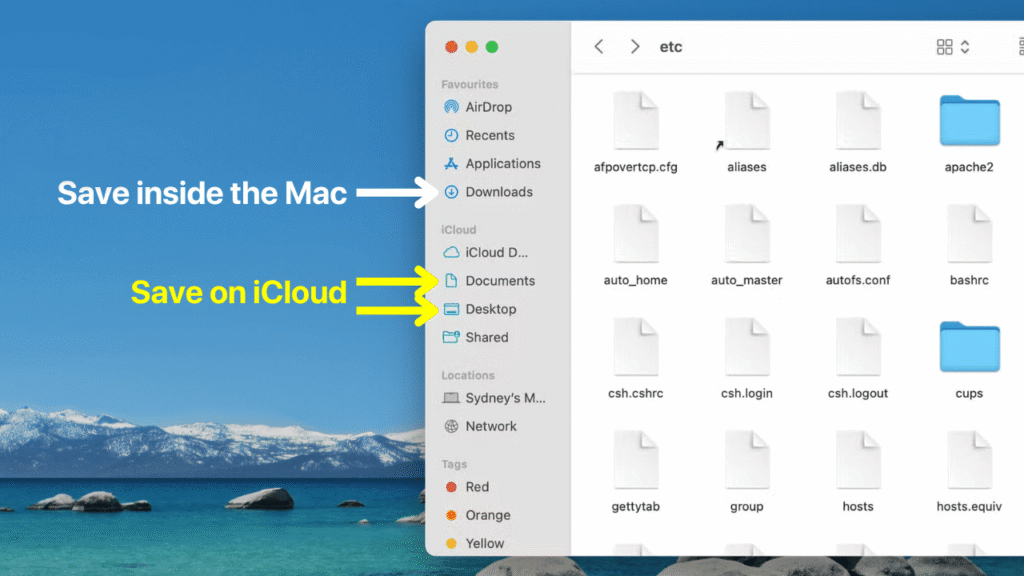
Common situations include work that was saved only on the desktop, project folders left inside the MacBook, documents not uploaded to cloud storage, or files that were supposed to be backed up later.
That one delay can become a serious problem when the MacBook cannot start.
Apple Support also advises users to make a backup before service because the startup disk may need to be erased or changed during service. This is why a missing backup becomes a big concern before any repair decision is made.
Common Situations That Need Data First Inspection
A MacBook can stop turning on for different reasons, and the actual cause is not always obvious from the outside.
Common situations include:
- Power failure after sleep mode.
- Sudden shutdown while working.
- No charging response.
- Coffee, water, or drink spill.
- Black screen with no startup sign.
- Slight heat from the body, but no display.
- Normal use yesterday, completely dead today.
- Recent drop, macOS update, or previous repair attempt.
Apple Support suggests basic checks when a Mac does not turn on, including holding the power button, unplugging accessories, and checking the power connection. If those steps do not help, proper inspection becomes the safer next move.
Important data inside the MacBook may include:
- Accounting records.
- Client projects.
- Coding work.
- Company folders.
- Design artwork.
- Personal archives.
- Photos and videos.
- Presentation slides.
- School assignments.
- Work documents.
When there is no backup, these items can matter more than the MacBook itself.
Why Official Service Centre May Not Focus On Your Data?
When a MacBook cannot turn on, most people naturally think of visiting an official service centre. That makes sense. However, the official service route usually follows a parts change process.
If the logic board has a serious fault, the common recommendation may be to change logic board or change major parts.
That may help with device function, but it may not help your data if the important information is still tied to the original board and there is no backup.
This is not about attacking any service centre.
It is about understanding the difference between two very different priorities:
- Changing parts to make the device work again.
- Checking the MacBook with data access as the first concern.
For urgent cases, those two priorities can lead to very different repair decisions.
How OrangeFix Handles A MacBook That Cannot Turn On?
OrangeFix does not start by guessing. We inspect the MacBook condition, charging behaviour, power response, liquid damage signs, board condition, previous repair history, and whether the device can be safely powered or stabilised.
After checking, the possible direction may be:
- Repair the MacBook for normal use.
- Focus on urgent data access first.
- Perform deeper logic board inspection before confirming the next step.
- Explain the risk honestly if the damage is too serious.
The correct direction depends on the model, fault condition, urgency, and whether the data matters more than the device.
For many newer MacBook models, the storage is not a simple removable drive like older laptops. Modern designs can make data access more dependent on the logic board condition, which is why proper board level inspection matters when the MacBook cannot turn on.
If You Cannot Share Your Login Password
Some customers cannot share their MacBook login password. That is normal.
Company users, business owners, finance staff, HR staff, designers, legal teams, managers, and private individuals may have confidential information inside.
Privacy can still be respected during the urgent inspection process. You can stay at our office while we work on the MacBook. Once the device reaches the login screen, you enter the password yourself.
From there, the urgent items can be copied out first. This approach helps protect your privacy while giving us a chance to handle the hardware issue properly.
Repair The MacBook Or Get Important Data First?
Different cases need different outcomes. Some customers want the MacBook fully repaired. Others only need urgent access first. A few may want to understand whether the repair cost still makes sense before deciding.
Possible service directions include:
- Full MacBook repair.
- Urgent data access attempt.
- Liquid damage handling.
- Logic board inspection.
- Temporary repair for copying out important data.
- Further repair after urgent work is secured.
Pricing is not the same for every case.
The final cost depends on MacBook model, year, size, fault condition, liquid damage level, parts involved, complication level, and whether the goal is full repair or urgent access only.
That is why asking “how much?” through message is usually not accurate for this type of case. A direct inspection gives a clearer answer.
Why Coming In Fast Matters?
Liquid damage needs fast action. Coffee, water, tea, soup, rainwater, or any drink spill can cause more damage if the MacBook is charged or powered repeatedly after the incident.
Avoid these common mistakes:
- Charging the MacBook again.
- Pressing the power button many times.
- Using a hair dryer.
- Leaving it under the sun.
- Waiting a few days and hoping it dries by itself.
Corrosion can spread inside the MacBook, especially when liquid remains around the board or connectors.
The sooner the device is inspected, the better the chance of choosing a safer direction. Especially important when the data inside is urgent.
Frequently Asked Questions:
Is this data recovery service?
No. This is not deleted file recovery, external hard disk recovery, SD card recovery, RAID recovery, or forensic recovery.
This service is for MacBook cases where the device cannot turn on and the important data is still inside.
Can OrangeFix help if my MacBook cannot turn on but I need urgent work inside?
Yes, we can inspect the MacBook and advise the safest direction. Some cases can be repaired, some can be handled for urgent data access first, and some may need deeper logic board inspection before we can confirm what is possible.
Can I just call and ask how much?
For this type of urgent case, message quotation is usually not accurate.
Pricing depends on the MacBook model, year, size, fault condition, liquid damage history, board condition, parts involved, and whether the goal is full repair or urgent access only.
Why does official service centre usually ask to change logic board?
Official service routes usually follow a parts change process. If the logic board has a major fault, the common direction may be to change logic board or change major parts.
That process may not focus on your data if you do not already have a backup.
Will changing logic board keep my data?
Not always. If the important data is stored on the original board storage, changing logic board may not help you access it.
This is why data first inspection matters before deciding the repair direction.
Can you repair the MacBook on the spot?
Some urgent cases may be handled quickly, depending on the fault.
However, not every case can be repaired on the spot. Liquid damage, board failure, previous repair damage, or complicated faults may need more time.
What should I do if coffee spilled on my MacBook and it cannot turn on?
Stop charging it immediately. Avoid pressing the power button repeatedly.
Bring it to OrangeFix in SS15, Subang Jaya as soon as possible for inspection.
Do I need to bring my charger?
Yes, please bring your charger if possible. It helps us check charging behaviour and rule out charger related issues faster.
Can company users come for this service?
Yes. This service is suitable for company users who have work documents, client folders, HR records, finance files, project materials, or business information inside a MacBook that cannot turn on.

Conclusion
When a MacBook cannot turn on, the real problem is not always the device. Sometimes, the bigger problem is the important work inside.
Without backup, every repair decision becomes more sensitive. Do not rush into changing parts blindly.
Bring the MacBook to OrangeFix in SS15, Subang Jaya for data first inspection. We will check the condition, explain the risk, advise the possible direction, and quote based on the actual issue.