


Table of Contents
ToggleMacBook Black Screen But Keyboard Light On Malaysia
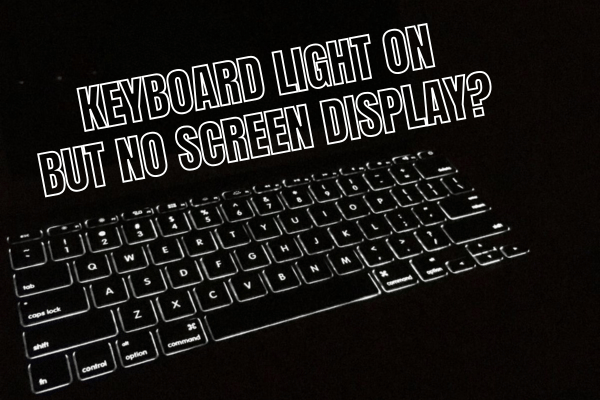
MacBook screen black, but the keyboard light is still on?
That usually means the MacBook has turned on, but the image is not showing on the built in display. In many cases, this happens because the screen has failed. A screen replacement may solve the issue.
However, not every black screen case is caused by the screen itself. We have also seen cases where the display is fine, but the display controller or related logic board circuit has failed. When that happens, changing the screen alone will not solve the problem.
OrangeFix checks the MacBook properly before confirming whether it needs screen replacement, logic board repair, or deeper inspection.
What Keyboard Light On Usually Means?
When the keyboard light turns on, the MacBook is usually receiving power and starting up. This is different from a totally dead MacBook.
The Mac may still produce sound, charge normally, connect to an external display, or respond to the power button. The problem is that the built in display stays black.
That is why the next step is to check whether the fault comes from the screen, backlight, display signal, logic board, or previous damage.
Most Common Cause, Screen Failure.
The most common cause is still screen failure. MacBook display can fail because of age, pressure damage, impact, liquid contact, internal cable issue, or panel fault.
Common signs include a black screen, dim display, flickering, lines, no backlight, or image only appearing at certain angles. If testing confirms the screen is faulty, replacing the display screen usually solves the issue.
Another Common Cause, Display Controller Failure.
Sometimes, the screen is not the main problem. The display controller or related circuit on the logic board may have failed.
In this situation, a good display may still show nothing because the board is not sending the correct image or backlight signal. This type of case needs logic board repair, not screen replacement.
That is why proper checking is important before quoting.
Drop Damage And Water Damage Need Extra Care
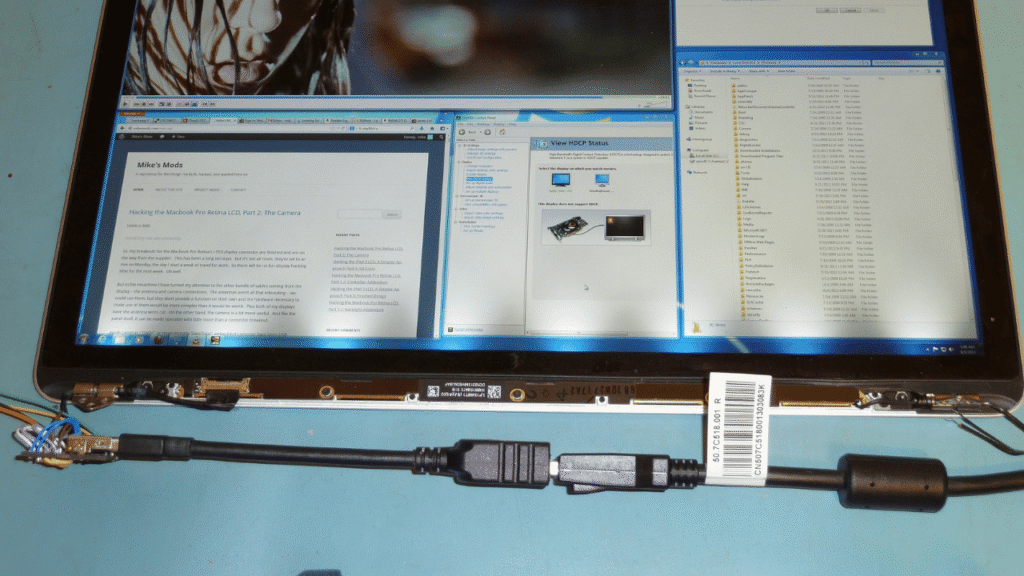
If the MacBook was dropped, knocked, bent, pressed inside a bag, or exposed to water before the black screen happened, more thorough checking is needed.
Drop damage can affect the display, hinge area, screen cable, board connector, or internal parts. Liquid damage can cause corrosion around the display circuit, backlight area, connector, or logic board.
A quick screen replacement guess may not be enough for these cases.
Not Every Black Screen Is Flexgate
Some users may hear the word Flexgate and assume every black screen is caused by the display cable.
That is not accurate. Flexgate is mostly associated with certain older MacBook Pro models from the 2016 to 2018 generation, especially 13 inch MacBook Pro models such as A1706 and A1708. Apple had a 13 inch MacBook Pro Display Backlight Service Program for certain 2016 models affected by backlight issues.
For newer MacBook Air and MacBook Pro models, black screen cases are usually checked differently. It may be screen failure, display signal issue, board fault, liquid damage, impact damage, or another hardware problem. Calling every black screen Flexgate can lead to the wrong repair direction.
Try This Before Sending In
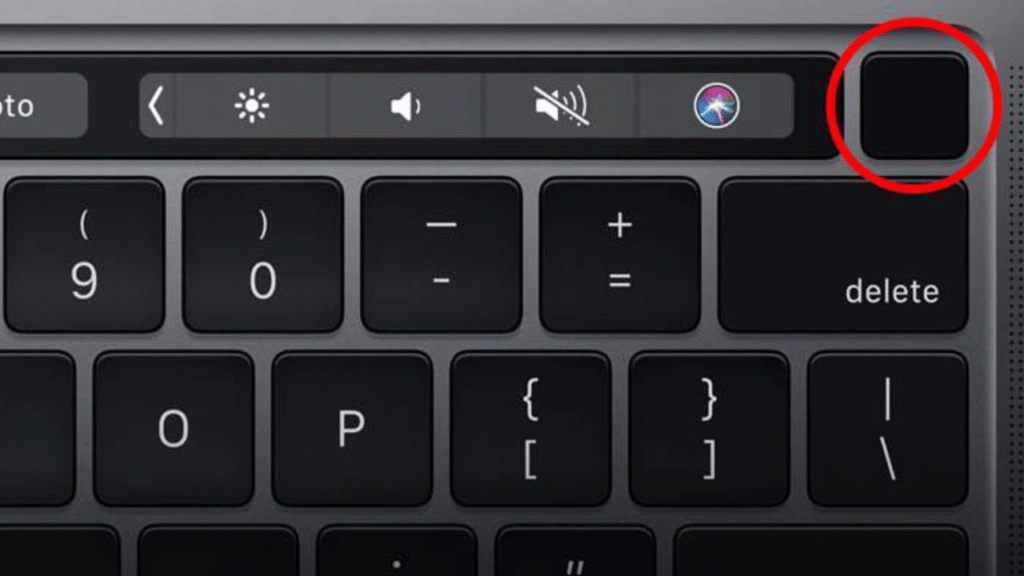
You can try forcing the MacBook to shut down by holding the power button, then turning it on again. Apple also suggests restarting and trying macOS Recovery when a Mac starts up to a blank screen.
If the screen is still black after basic restart steps, avoid repeatedly pressing the power button, especially if there was water damage or a recent drop. Send it for proper checking before the problem becomes worse.
What OrangeFix Checks?
OrangeFix checks whether the MacBook is actually turning on, whether the screen receives backlight or image signal, and whether the issue follows the screen or stays with the logic board.
For drop or water damaged units, we inspect the affected areas more carefully before recommending repair.
If the screen is faulty, we will advise screen replacement. Should the logic board display circuit be the issue, we will explain the repair direction before proceeding.
Frequently Asked Questions:
Why Is My MacBook Screen Black But Keyboard Light On?
The MacBook is likely turning on, but the built in display is not showing image. It can be caused by screen failure, display signal issue, display controller fault, liquid damage, drop damage, or logic board problem.
Does Keyboard Light Mean My MacBook Is Still Working?
Usually, yes. Keyboard light means the Mac has power and may have started up, but it does not confirm that the screen or logic board display circuit is healthy.
Can Screen Replacement Fix This Problem?
Yes, if the screen itself is faulty. Many black screen cases with keyboard light on can be solved with screen replacement after testing confirms the display has failed.
What If The Screen Is Not The Problem?
If the display is good but the Mac still shows black screen, the issue may come from the display controller or related logic board circuit. That requires logic board repair.
Is This Flexgate?
Not always. Flexgate is mainly linked to certain older MacBook Pro 2016 to 2018 models, especially A1706 and A1708. Newer MacBooks should be checked based on the actual fault.
Should I Keep Restarting The MacBook?
Do not keep forcing restarts if there was water damage, drop damage, burning smell, or unstable power behaviour. Get it checked properly.
Can OrangeFix Check Before Replacing The Screen?
Yes. OrangeFix checks first before confirming whether the MacBook needs screen replacement, logic board repair, or further assessment.

Advice From Us
MacBook screen black but keyboard light still on?
Send it to OrangeFix for proper checking before replacing parts blindly. We will check whether the issue comes from the screen, display controller, liquid damage, drop damage, or logic board.