


Table of Contents
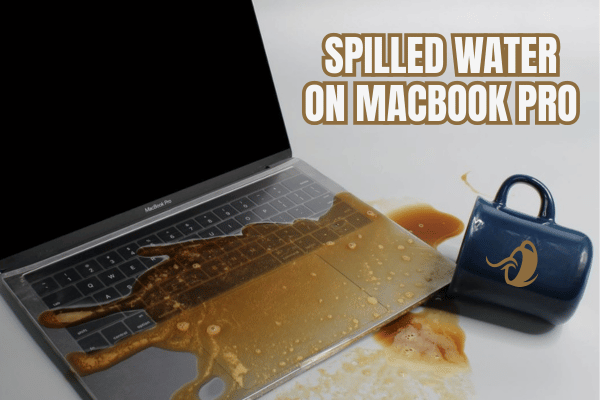
ToggleSpilled water on MacBook Pro
What To Do Immediately After Water Spills On Your MacBook?
If water or any liquid touches your MacBook, the first step is to shut it down immediately.
- Avoid charging it.
- Avoid turning it on to test.
- Avoid shaking it aggressively.
- Avoid using heat to dry it.
- Avoid waiting for the outside to look dry.
The outside may look fine, but liquid can remain inside the MacBook and continue causing damage.
Why Placing Your MacBook Upside Down Is Not Enough
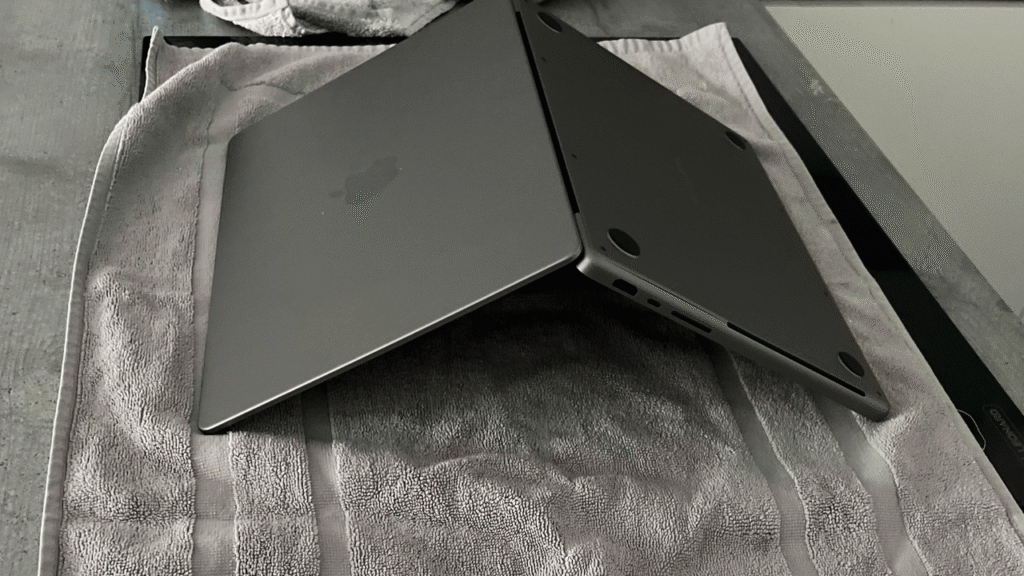
Many people place the MacBook upside down, sideways, or at an angle, hoping the water will drip out.
It may help remove some visible liquid, but it does not properly clean the internal parts.
Inside the MacBook, liquid residue may stay under chips, connectors, keyboard layers, trackpad area, battery area, and logic board components.
This is why proper cleaning and drying matters.
Why Water Damage Can Get Worse Over Time?
Water damage does not always kill a MacBook immediately.
Sometimes the MacBook still works after the spill.
Then one week later, one month later, or even two months later, it suddenly cannot turn on.
This usually happens because corrosion continues spreading inside the MacBook after the liquid dries on the surface.
YP Mac has shared real examples where liquid damage started showing corrosion and algae quickly, even when the MacBook still seemed usable at first.
Proper MacBook Water Damage Cleaning And Restoration
At OrangeFix, a water damaged MacBook may go through proper inspection, cleaning, drying, and restoration.
Depending on the condition, the process may include: Chemical cleaning, controlled drying, corrosion inspection, logic board, restoration and ultrasonic cleaning.
This is done to reduce residue, remove corrosion, and identify which parts can still be saved.
Repair First Where Repair Is Possible
Water damage does not always mean everything must be replaced.
Some service routes may focus more on replacing affected parts or modules. Apple repair information and terms discuss service and replacement parts, and liquid damage is not covered under Apple’s standard Mac warranty.
Why Data Recovery Matters In Water Damage Cases?
For many customers, the MacBook is important. But the data inside is even more important.
That is why water damage restoration is not only about making the MacBook turn on again. It is also about increasing the chance of retrieving important data, especially if the MacBook contains assignment files, work documents, business files, photos, or project work.
Because once the damage becomes worse, data recovery may become harder or more expensive.
Why did my MacBook still work after water spill but failed later?
This can happen because corrosion continues spreading inside the MacBook after the liquid dries on the surface. The MacBook may look normal at first, then fail later when internal damage gets worse.